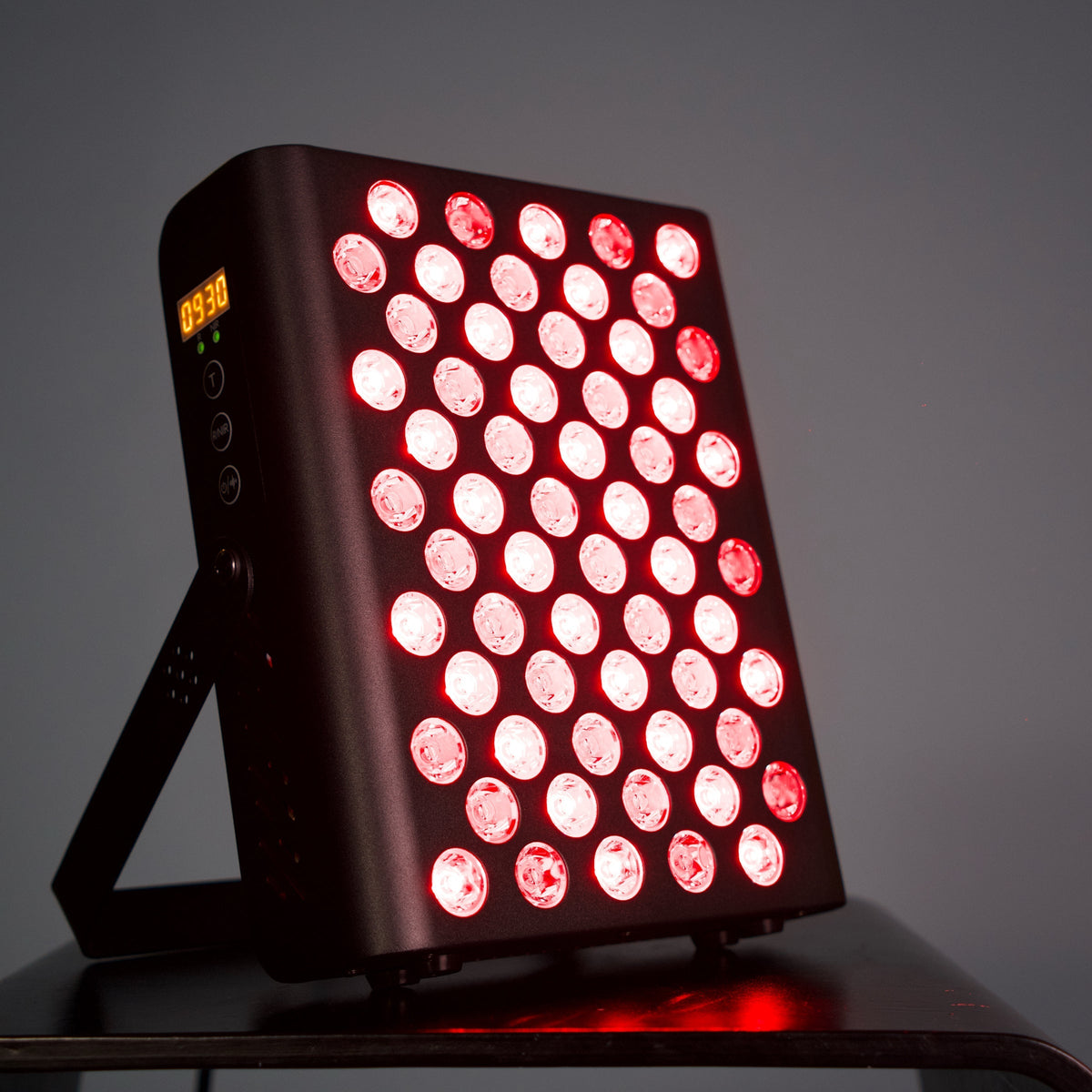
660 nm and 850 nm Light Explained, and Why 850 nm Looks Dim
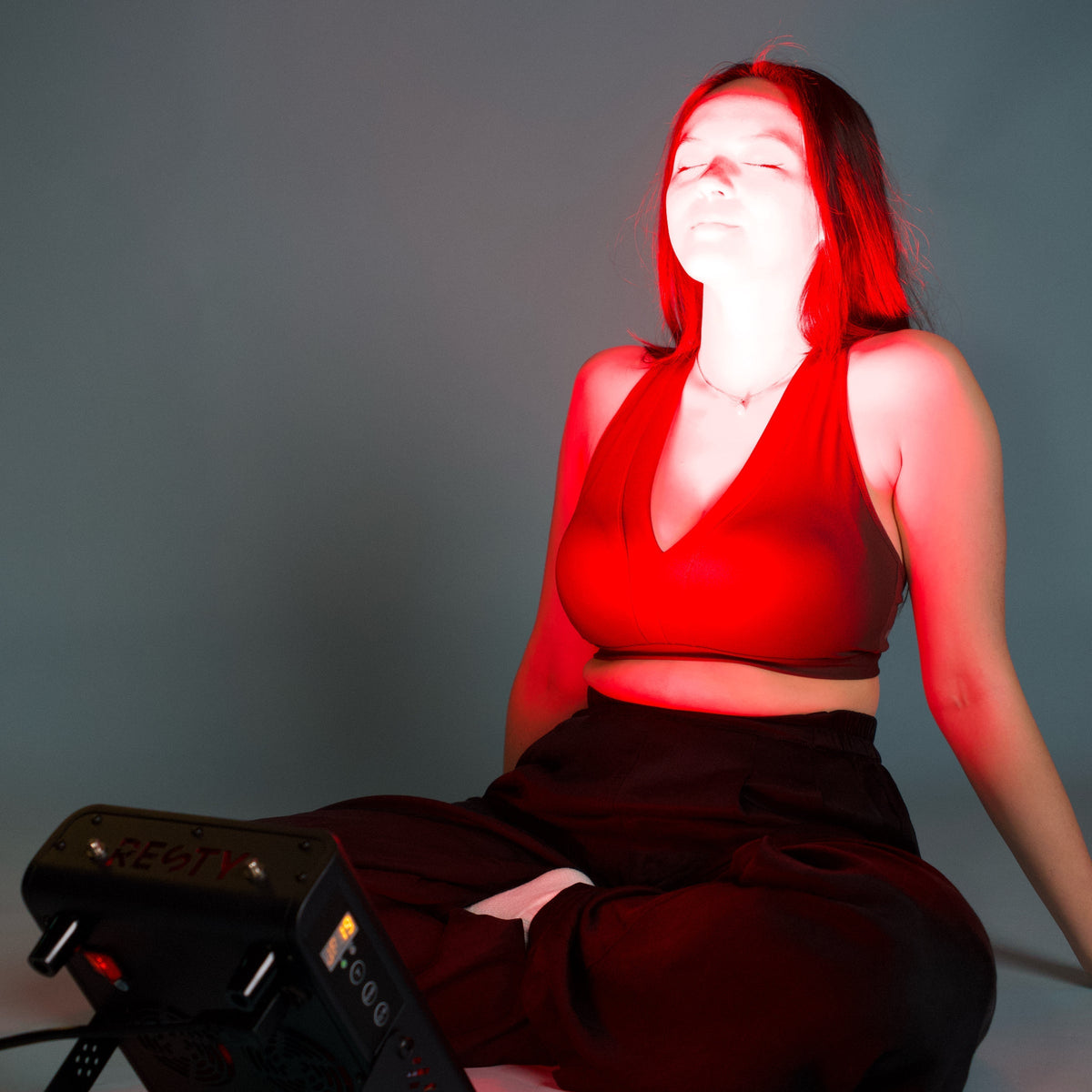
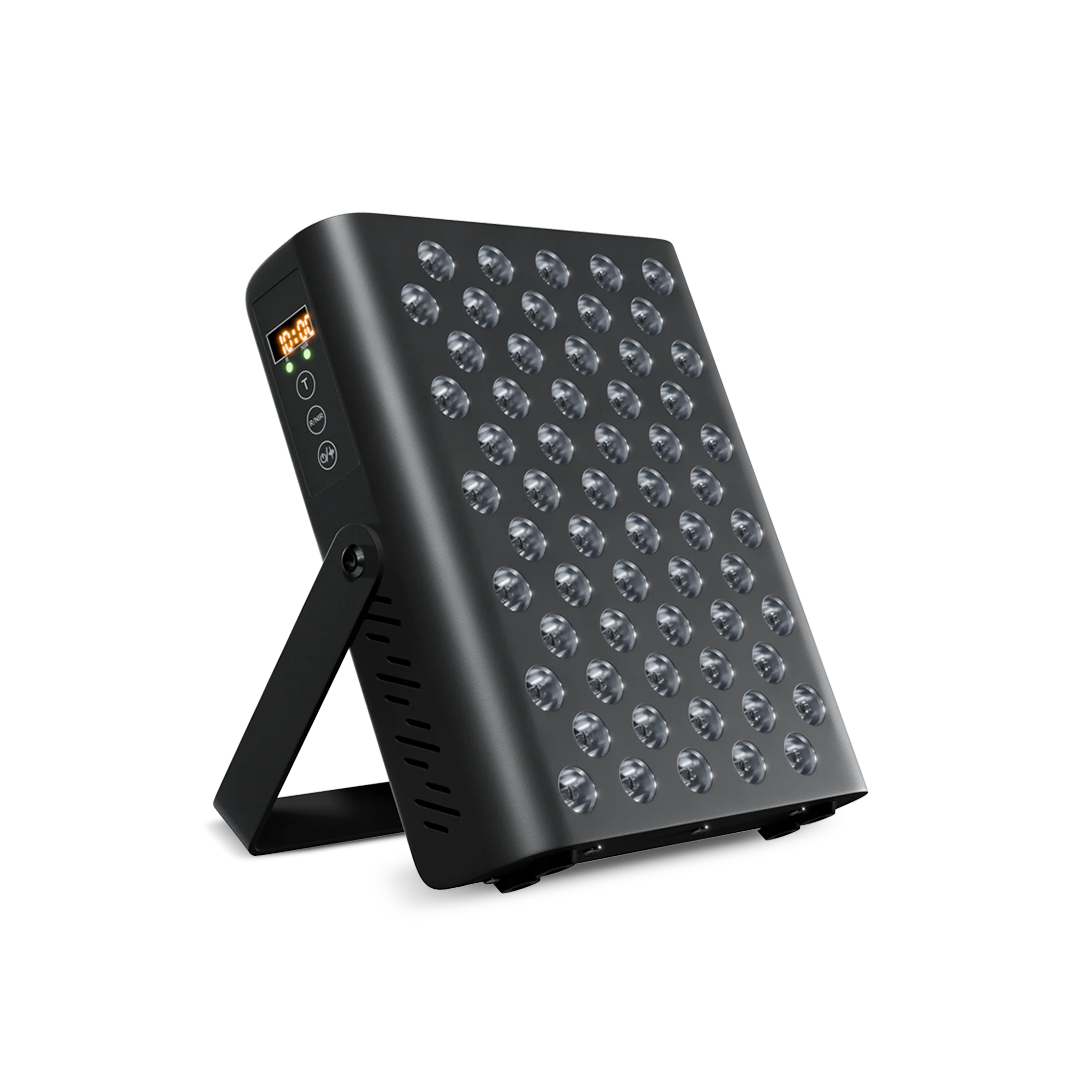
660 nm is visible red light. 850 nm is near-infrared light, just beyond what the eye can see. A panel such as MARS 400 carries both: 30 LEDs of each, which you can use separately or together.
What a nanometre measures
Light travels as waves, and the length of one wave is its wavelength. For visible light, wavelength is colour: violet is around 400 nm and deep red is around 700 nm. Beyond roughly 700 to 750 nm the eye responds less and less, which is where near-infrared light starts. So 660 nm sits at the red end of the visible range and 850 nm sits just past it.
Why the 850 nm LEDs look dim
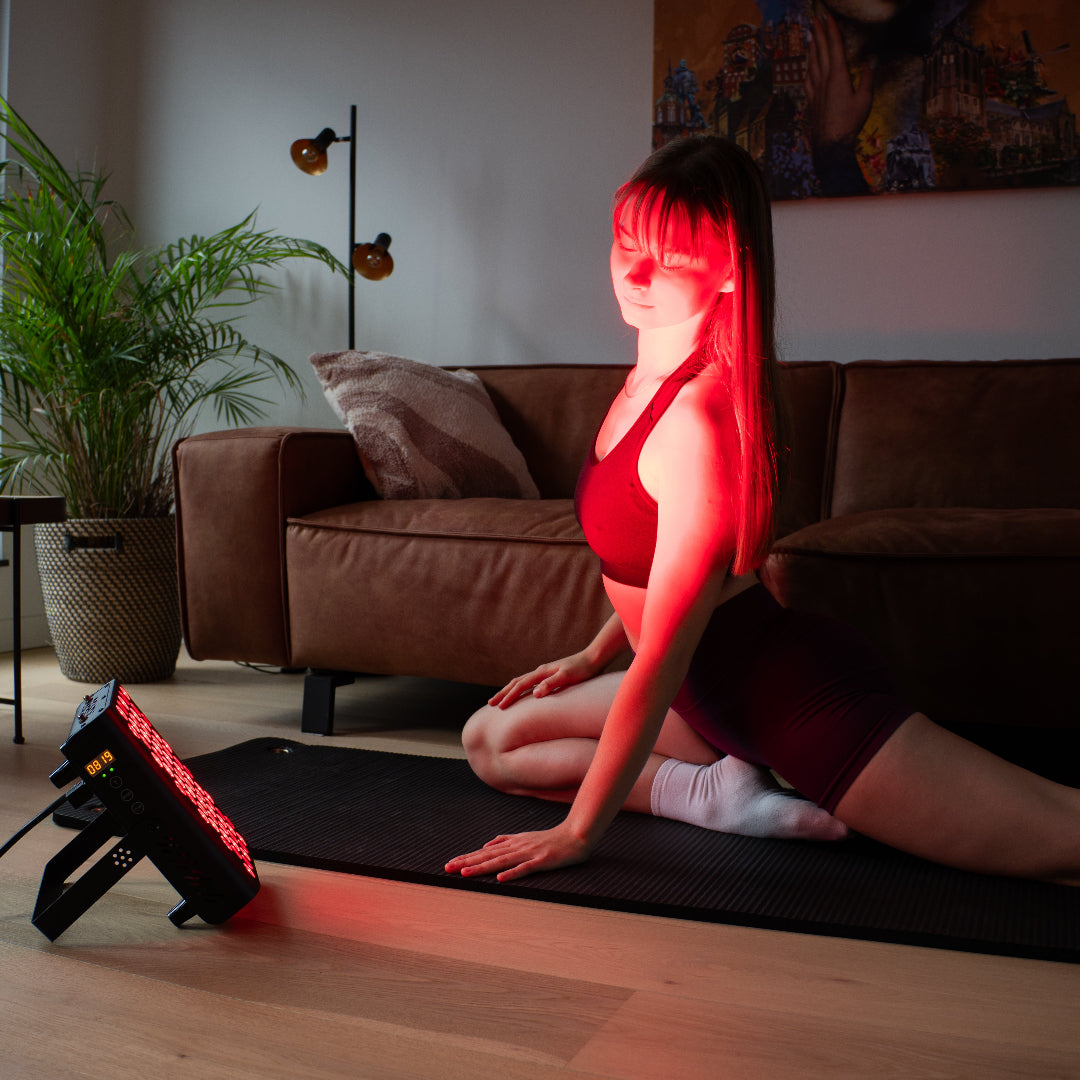
Switch a panel to near-infrared mode and the LEDs seem to do very little. That is normal. The eye is barely sensitive at 850 nm, so most of the light cannot be seen. Some people notice a faint dull red glow from the LEDs because the light is not perfectly confined to one wavelength; others see nothing at all. Some phone cameras show the light as a purple or white glow, though results differ from phone to phone.
Why that matters for safety
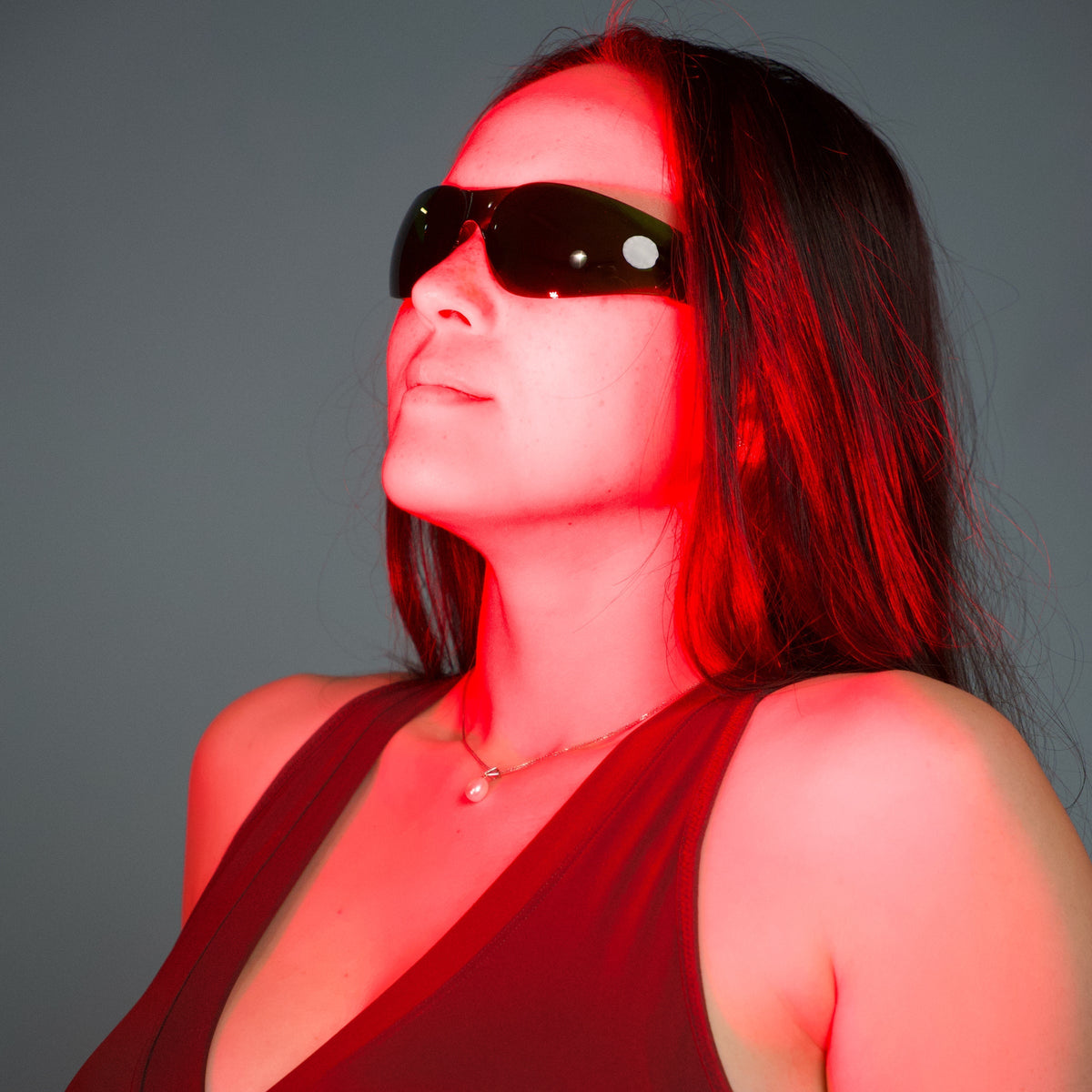
Light you cannot see is still light. Protect your eyes in every mode: wear the glasses supplied with the panel and do not look straight into the LEDs, including in near-infrared mode. A dim panel does not mean a panel that is safe to stare at.
Red, NIR or both
MARS 400 has three modes: Red, NIR (near-infrared) and Combined. Red light is generally described as acting closer to the skin surface, and near-infrared as reaching deeper. Many routines use both together, which is what Combined mode does. In NIR-only mode only the 850 nm LEDs are on, so a panel that looks mostly dark is working as expected. Check the timer display to see that a cycle is running.
Quick answers
Is 850 nm light harmful because I cannot see it?
Not being able to see light does not tell you whether it is harmless. Protect your eyes in every mode with the glasses supplied and do not look straight into the LEDs.
Which mode should I use?
The manual is the place to start. Many routines use Combined mode, which runs both bands together.
How can I tell that near-infrared mode is working?
Look at the timer display: it shows that a cycle is running, and the panel switches itself off after 10 minutes. A phone camera may also show the light as a purple or white glow.
What this guide does not say
Wavelengths describe the light, not the result. We do not claim that either band will do anything for you, and research is still developing. If you want to know what a number on a spec sheet means, see our guide to reading red light panel specifications.