How to Set Up a Red Light Session: Distance, Timer, Eyes and Room
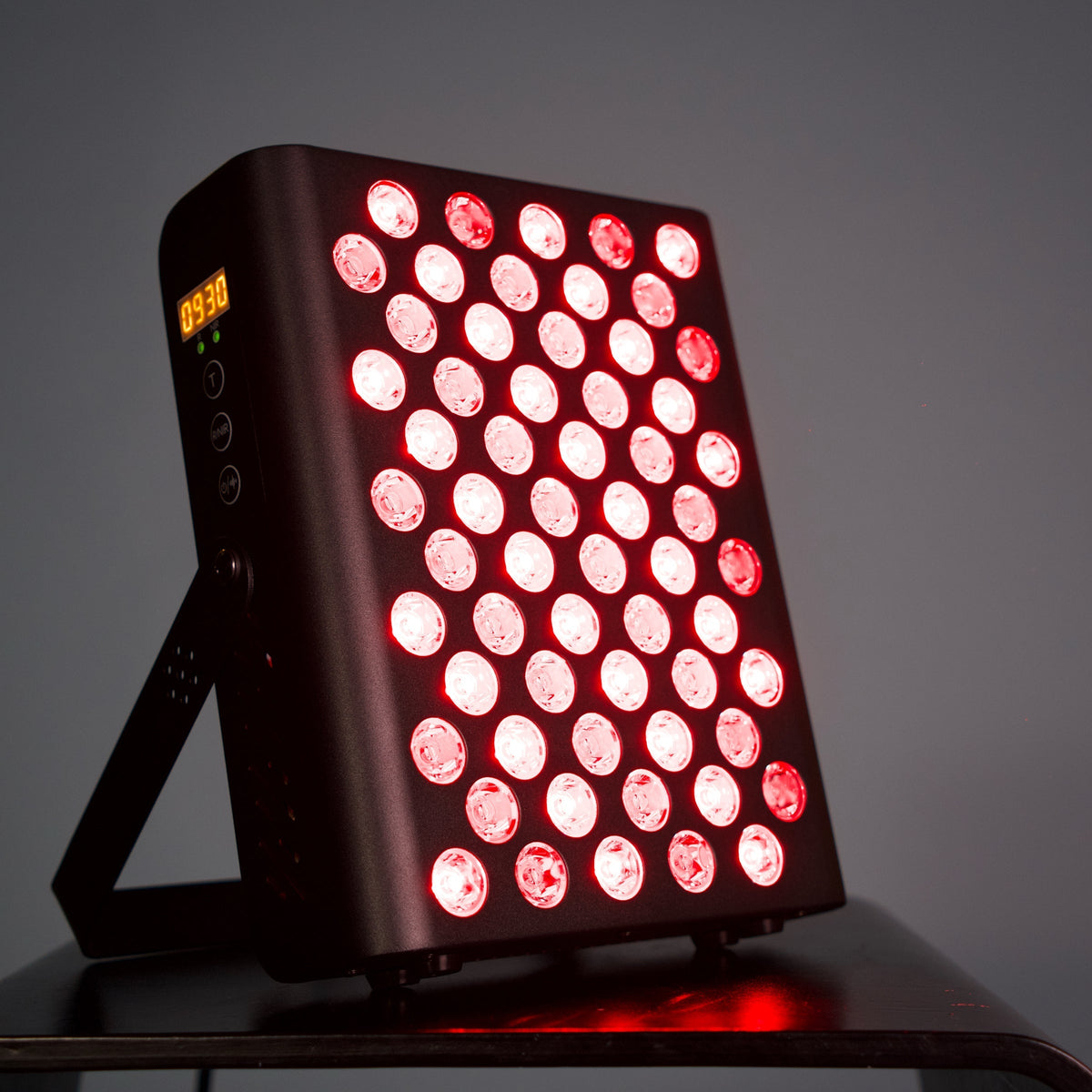
A good red light session is uneventful: the panel on a stable spot, the distance from the manual, eyes protected and one automatic cycle. This guide walks through each step for MARS 400, and the same order is a sensible habit for any panel.
1. Place the panel
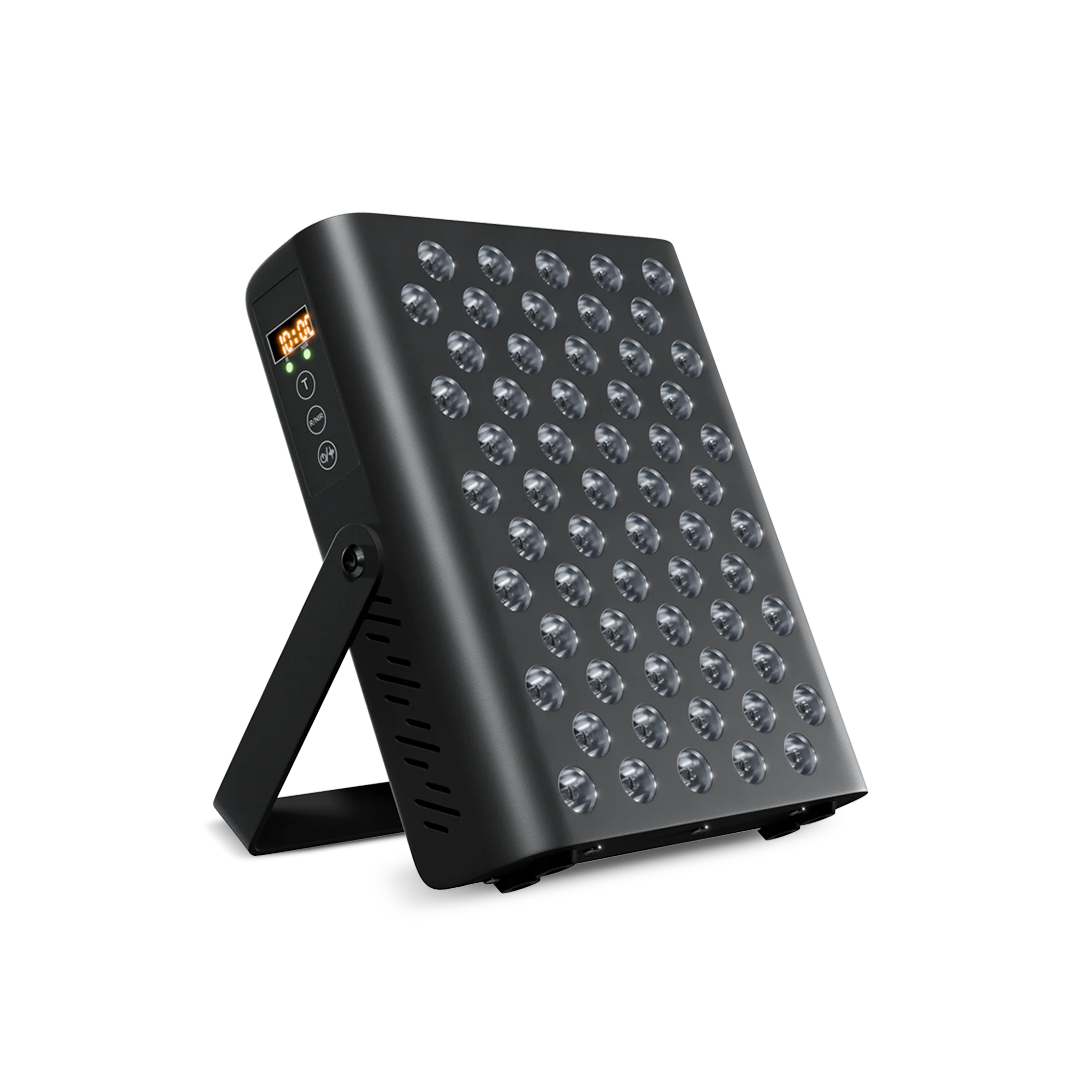
Put the panel on a stable surface, on its stand or on a wall mount, so that it cannot slip or fall. MARS 400 has an aluminium housing that suits a stand or a wall (see the manual for mounting). It weighs 2.6 kg, so check that a wall fixing can carry it. Keep the vents clear and do not cover the panel while it is on.
2. Choose the distance
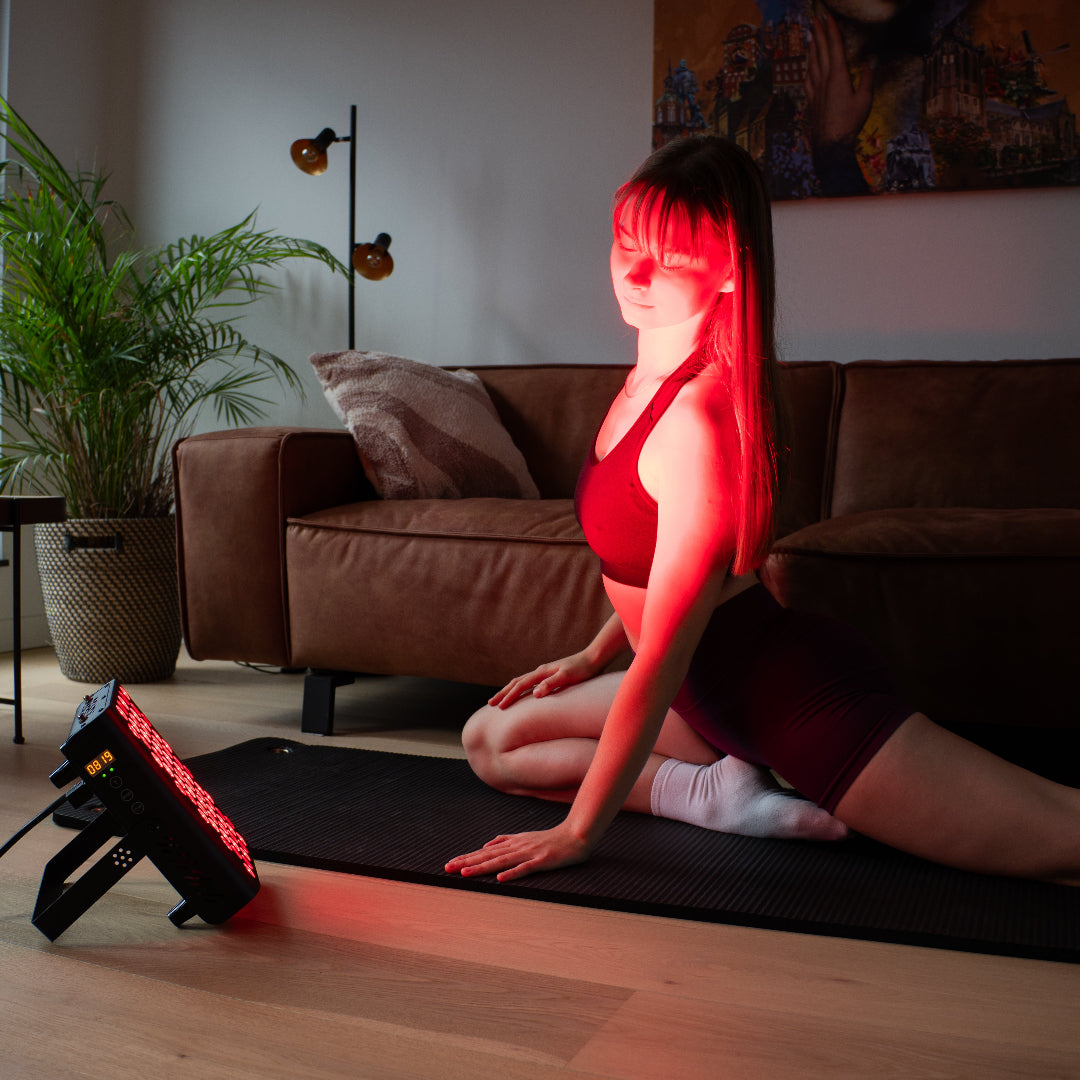
The manual gives the distance to use. The figure in the specification, at least 130 mW/cm² at 15 cm, shows where the irradiance was measured; it is not a promise about how far to sit. Closer means more light on the skin and more warmth, and moving away reduces both. Whichever distance you pick, keep it the same from session to session so that sessions are easy to compare.
3. Set the timer
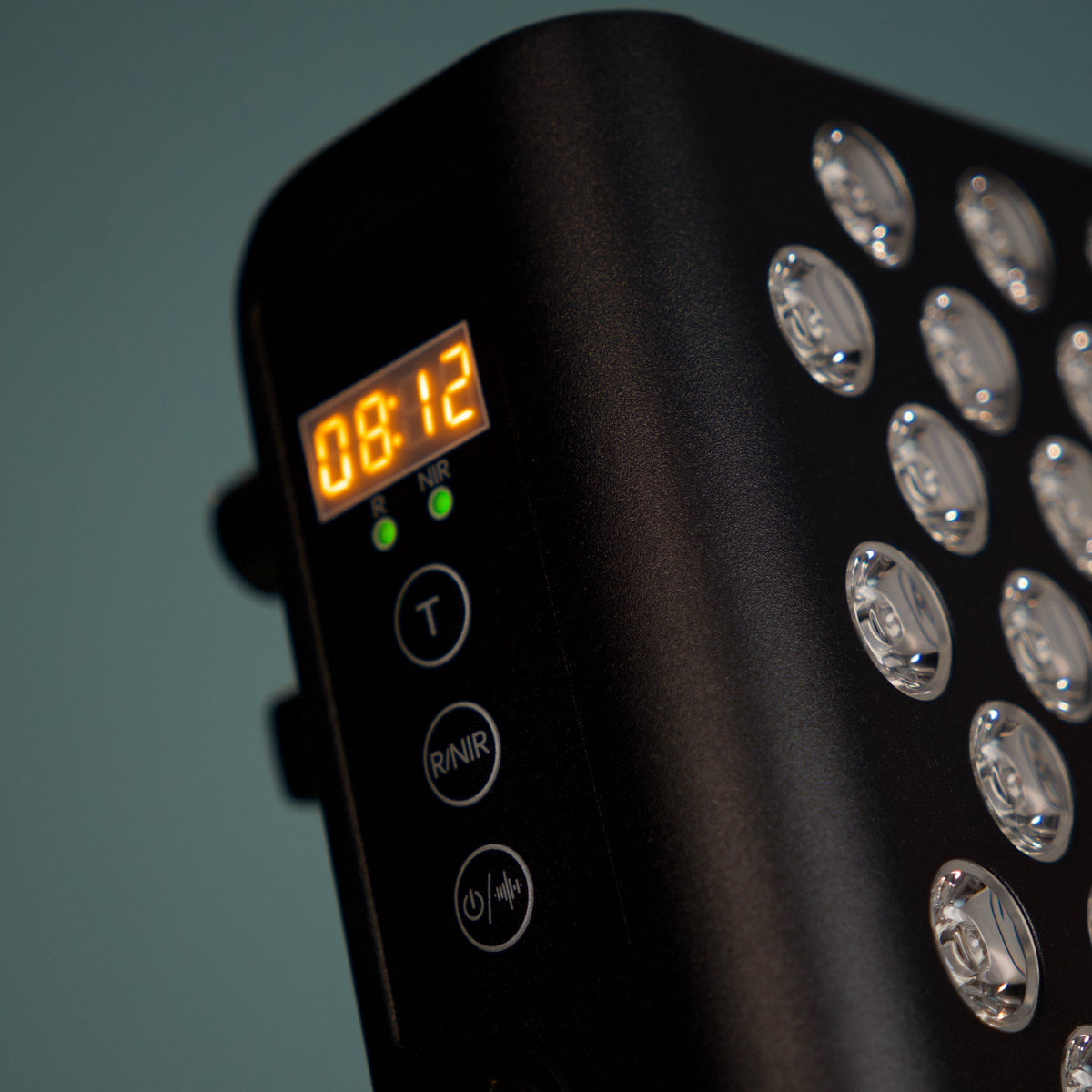
Run one automatic 10-minute cycle on each area, and let the panel switch itself off when the cycle ends. Begin with a few sessions a week, and do not add cycles just because the panel is easy to operate. To cover a second area, move the panel and start a new cycle instead of extending the first.
4. Protect your eyes
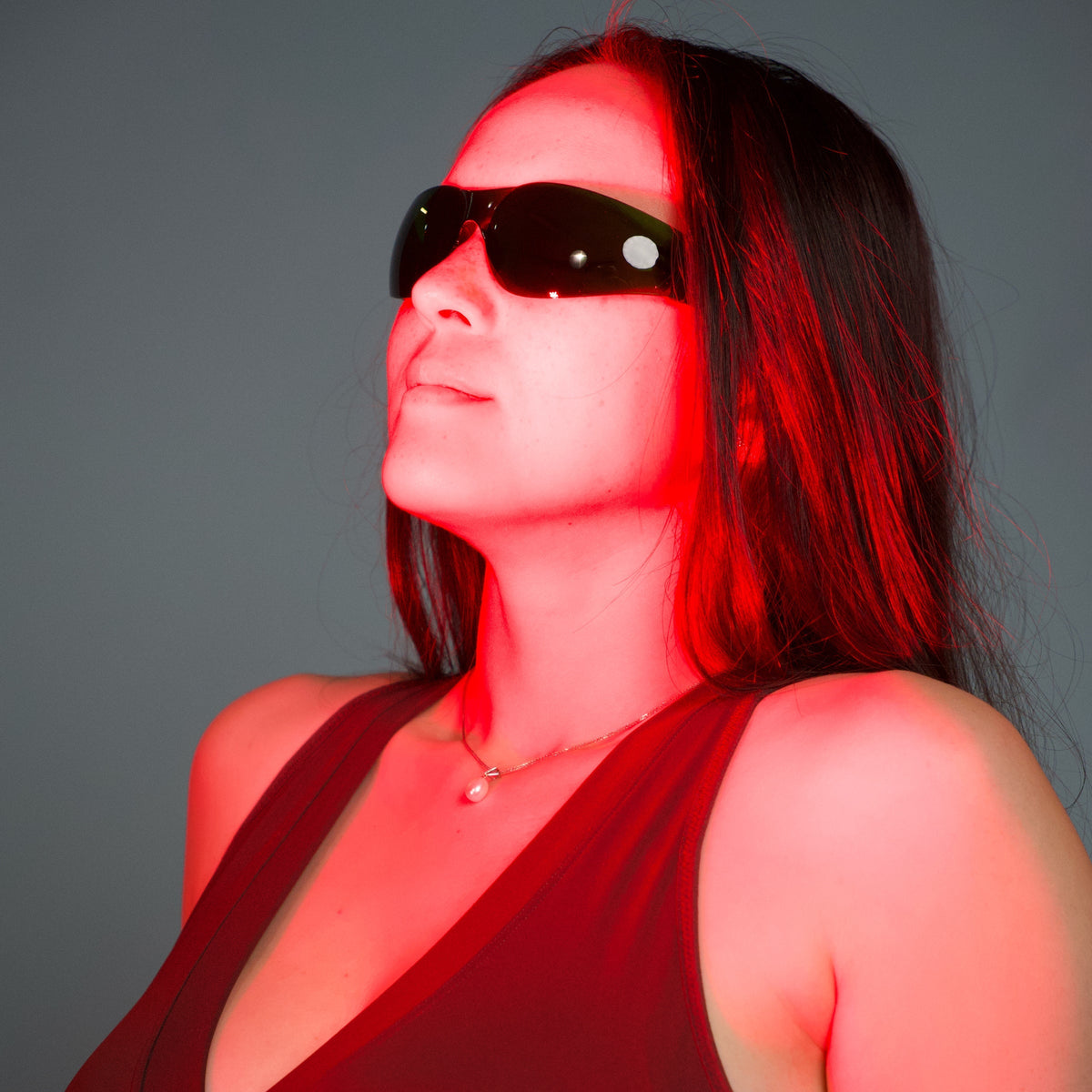
Put on the protective glasses from the box before the panel comes on, and avoid looking straight into the LEDs. That includes near-infrared mode, where the light is hard to see. Keep children and pets away from the panel while it is on.
5. The room
You do not need a special room. Room light does not change what the panel delivers, so a dimmer room is a matter of comfort: the LEDs are bright at close range and some people prefer less glare. The panel can feel warm during longer sessions, so leave space around it for air to move.
6. Skin and clothing
For a session aimed at skin, uncover the area. Fabric absorbs and scatters some of the light, and thick or dark clothing reduces what reaches the skin. Follow the manual if it says anything about skincare products.
Who should check first
Some people should speak to a qualified professional first: anyone who is pregnant, photosensitive, taking medication that increases sensitivity to light, or living with a relevant medical condition.
Quick checklist
- The panel is stable and the vents are clear.
- The distance is the one in the manual, and the same each time.
- The protective glasses are on.
- One 10-minute cycle per area.
- The panel is switched off afterwards.
MARS 400 comes with the protective glasses, the power cable and the user manual.